In my field of work, I use different kinds of applications to accomplish different tasks. Below are some lists of the software that are installed on my pc. If you are not an analyst/designer, these may not come handy to you but maybe you can use some of these for a different purpose.
I will not be teaching you guys how to use these softwares but let me share to you the benefits of using the applications.
1. MS Visio
I am using MS Visio when designing databases. Just like a typical database designer tool, it allows user to build tables and attributes, relationships and constraints and export the file to an image. MS Visio is very user friendly.
Aside from its database designer, you can create different kinds of diagrams in this application. Such diagrams include building plans, business processes, flowcharts, mechanical engineering related diagrams, organizational chart, process engineering, web diagram and a lot more.

2. Balsamiq MockUps
Before this application was introduced to me, I was previously using MS Visio to create user interface mockups. Balsamiq does the same but it is easier to use than visio and it is a fast wireframing tool. It consists a library of controls and icons that are used in browsers and mobiles and the icons are designed as sketches which makes work fun.

With Balsamiq, it is easier to share and modify the mockups and can easily get feedback from your superiors. You can download the 7-Day Trial software at http://www.balsamiq.com/
After a week, you need to buy the software to continue using it.
3. Team Viewer
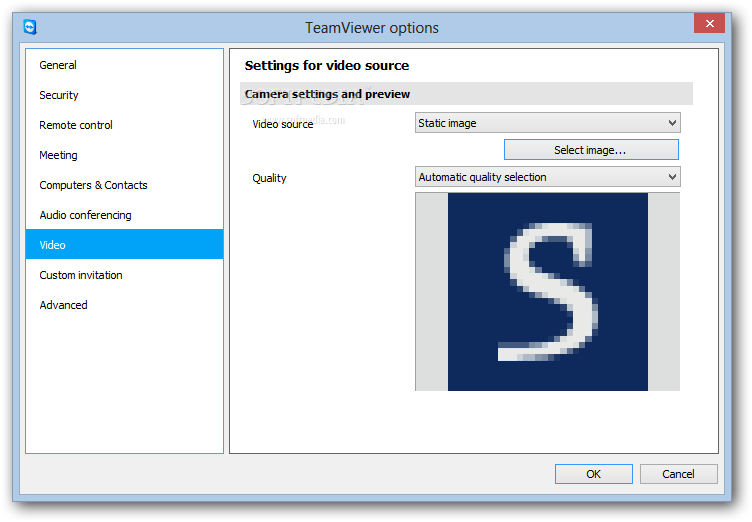
Team Viewer is a software for remote control, support, desktop sharing and file transfer between computers. It is possible to access a computer outside your area by remote access through teamviewer.
Visit http://www.teamviewer.com/en/index.aspx for more details and to download the software.
This software is very useful for support over the internet as if you were sitting right in front of the client. As someone working in a home office, this application is very useful to me when having a meeting or remotely accessing a team mates computer.
They also have team viewer application for mobiles.

No comments:
Post a Comment